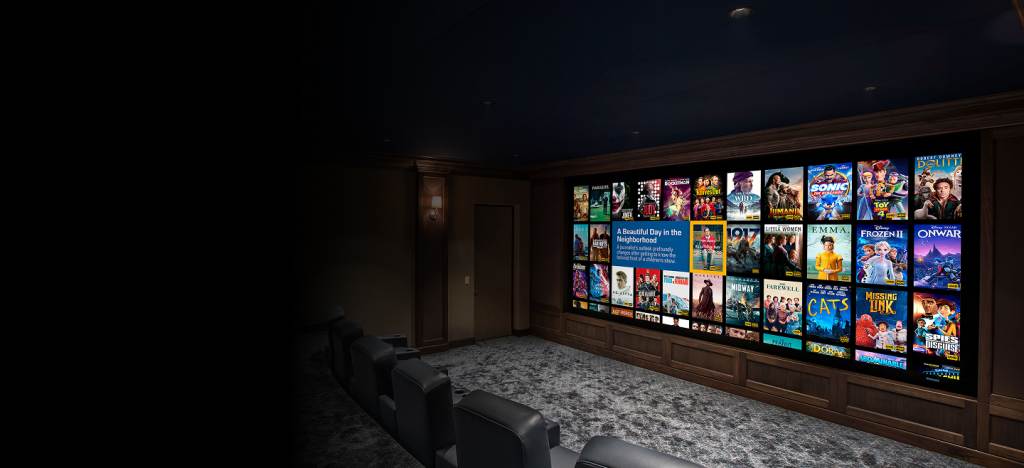


The biggest limitation most home theaters have is not the display or speaker; it’s the source. Streaming is the new normal nowadays, but for all the advantages it offers, it has some clear pitfalls. For one, streaming relies heavily on compression and bitrate limits, which can compress images and audio, before it gets to your setup. Kaleidescape removes that constraint by delivering full-quality files stored locally, so playback isn’t limited by any bandwidth limits that streaming has.
In this guide, we’ll look at how the Kaleidescape works, how it works in a real setup, and whether the difference it provides is worth buying it.
What Kaleidescape Is and How It Works
Kaleidescape is not competing with streaming platforms, it solves a different limitation completely. Instead of trying to fit bandwidth or disc limits, it plays full-quality stored locally. So, what you’re watching on your screen is closer to the original version. This is where many high-end setups fall short. People upgrade projectors, speakers, and even room treatment, but keep using the same compressed source.
Kaleidescape Lineup: What You’re Actually Buying
If you’re new to Kaleidescape, the lineup can feel confusing. Some devices store movies, others don’t. Here are the best of what Kaleidescape has to offer.
Strato M
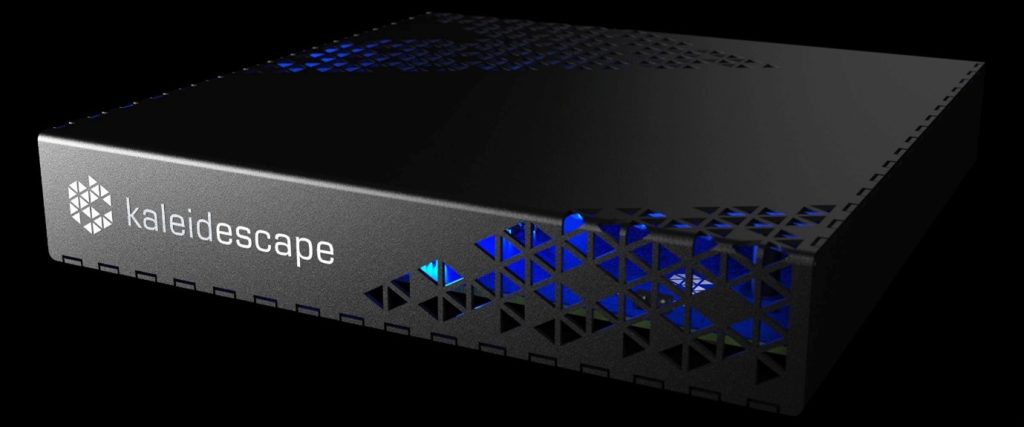
The Strato M comes in at around $1,995 and focuses on playback rather than storage. It uses a smaller internal drive, so you’re not storing a full collection. But you will be assured that you will still get HDR and full lossless audio like Dolby Atmos and DTS:X.
It fits best in smaller rooms or as a second room player. That does not mean it doesn’t work in a larger room, but if you want to build a larger movie library, you’ll likely outgrow it.
Strato V
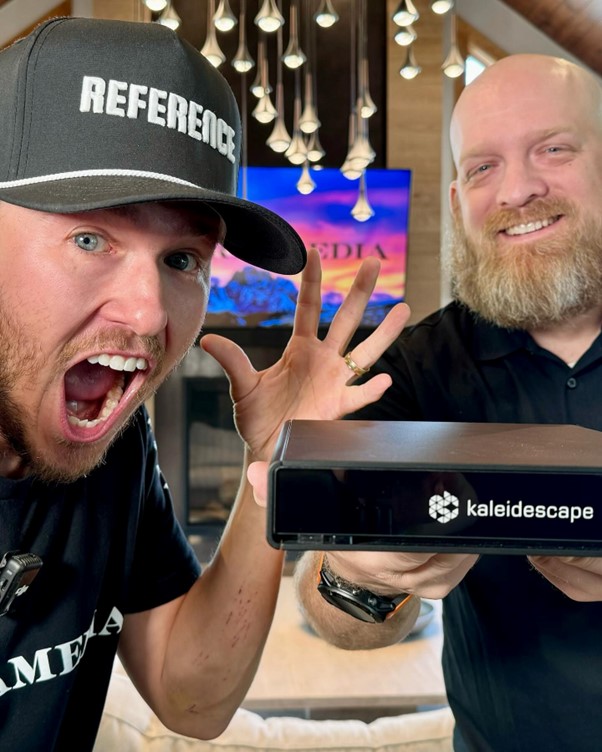
The Strato V is the perfect blend of performance and simplicity. It sits around $ 4,495 and stores roughly 10 to 12 full-quality 4K movies. The number is small because the files are large and not compressed. It works well in a single room, and supports Dolby Vision, which keeps brightness and contrast balanced.
Strato E
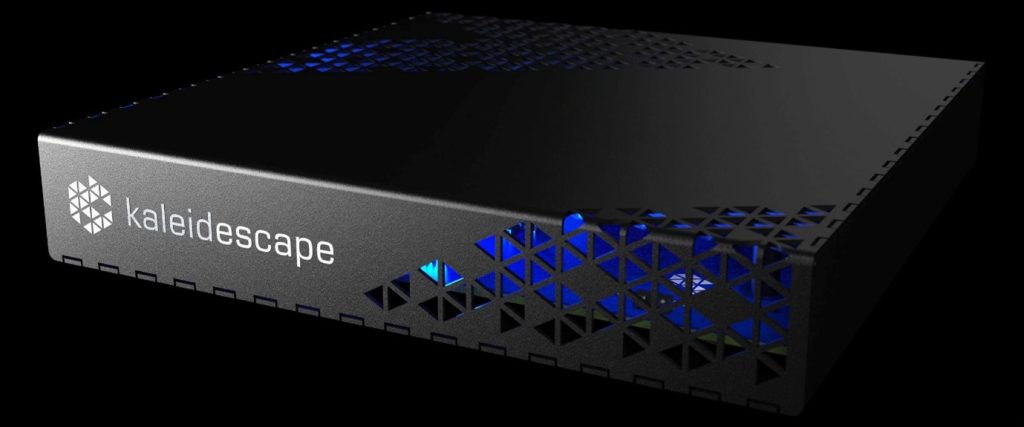
The Strato E comes in around $2,995 and holds about six 4K movies. Playback quality is the same as the Strato V, so you’re not losing picture or sound performance.
The difference shows up quickly in use. Six movies fills up faster than most people expect. If you watch often, you’ll be managing storage more than you’d like. It works if you’re just getting into Kaleidescape or don’t keep much content at once. If you already know you’ll use it regularly, it can feel limiting within a short time.
Strato C
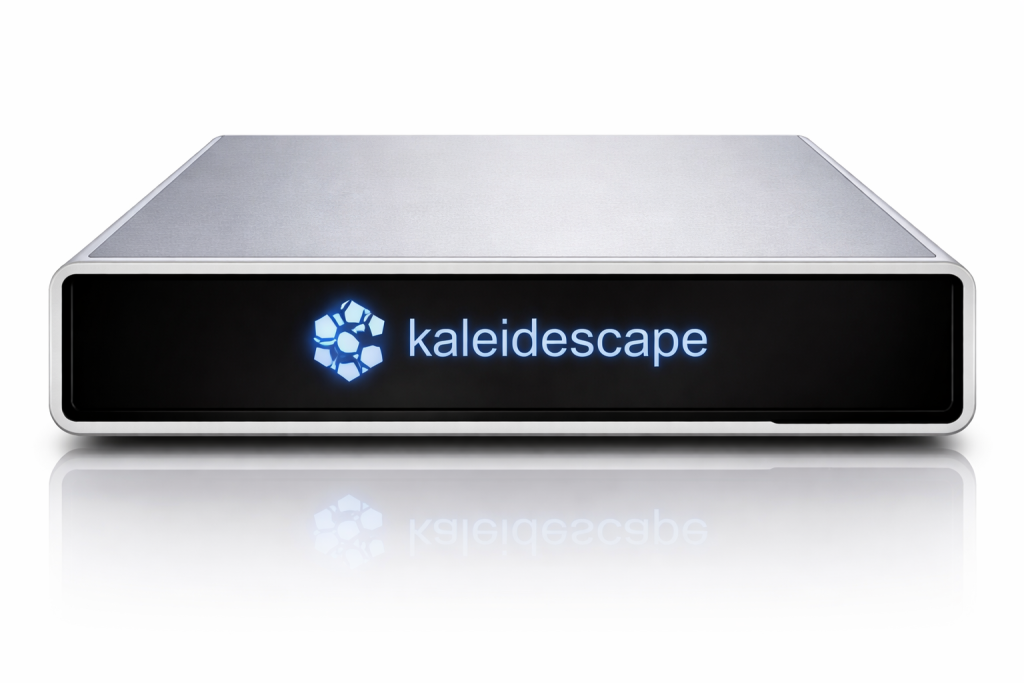
Most setups start with one player, and that works fine until you want the same experience in another room. That’s usually when things get messy, with different devices holding different content and no easy way to keep everything in sync.
That’s where the Strato C fits. It doesn’t store movies at all. Instead, it pulls everything from a central library, usually a Terra server, so every room is working off the same collection. At around $2,995, it’s built for expanding a system, not starting one.
Once it’s set up, everything just plays the way you expect. You still get full 4K HDR and lossless Dolby Atmos and DTS:X audio, but without thinking about where anything is stored or which device has what.
Compact Terra
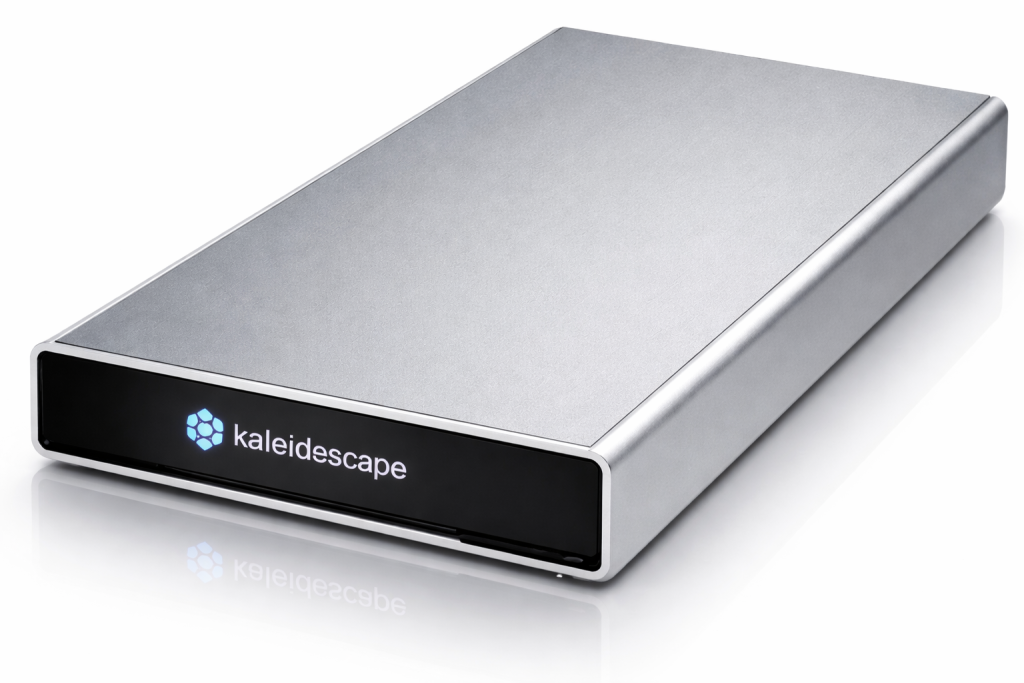
Most people focus on the player because that’s what they see. But after a while, the question shifts. Not how you play movies, but where all of them actually sit once your collection starts growing.
That’s the job of the Kaleidescape Compact Terra. It holds your movies locally, so instead of waiting for downloads or dealing with partial libraries, everything is already there when you want it. Depending on the size, you’re looking at storage for hundreds of 4K films, with pricing that scales from about $4,995 to $11,995 based on capacity.
What changes isn’t dramatic at first. Then you notice it. You pick a movie and it starts immediately. Another room can do the same thing at the same time, up to five streams in full 4K HDR, without slowing anything down. It stops feeling like a system you manage and more like one that’s already ready.
Comparison Table
To make this easier to scan, here’s a quick breakdown:
| Model | Price | Storage | Dolby Vision | Best Use Case | Limitation |
| Strato M | ~$1,995 | ~480GB (~5–6 movies) | No (2K HDR focus) | Entry-level setups or secondary rooms | Limited storage, not full 4K focus |
| Strato V | ~$4,495 | ~10–12 movies | Yes | Single-room setups with room to grow | Storage fills over time |
| Strato E | ~$2,995 | ~6 movies | Yes | Entry-level use, light viewing | Fills quickly, requires frequent management |
| Strato C | ~$2,995 | None (server-based) | Yes | Multi-room playback with shared library | Requires Terra server |
| Compact Terra | ~$4,995 – $11,995 | 100s of movies (6TB–22TB) | No (handled by player) | Central storage for whole-home systems | High cost, needs player |
Real-World Picture & Audio Quality
Streaming vs Kaleidescape
The difference between streaming and full-quality playback comes down to how much of the original signal reaches your system. This is because streaming platforms reduce file size in an attempt to keep the playback smooth. However, that reduction comes at a cost and the price is a reduction in details and stability. At the same time, streaming compresses audio heavily. You can see reductions of up to a few hundred kilobits per second, which limits dynamic range and clarity.
Kaleidescape expertly avoids this cost; by delivering from the get-go higher quality files. This means all your videos maintain the same quality as the director’s cut. On the audio side, it preserves lossless formats like Dolby Atmos and DTS:X, so your speakers, receivers and amplifiers can perform freely without any form of limitation.
The gap is more evident with Dolby Vision. Kaleidescape adjusts brightness and contrast scene by scene, so bright areas don’t look washed out, but stay controlled, and shadows keep their depth.
Blu-ray vs Kaleidescape
Blu-ray improves on streaming by delivering more data to your setup. This additional data preserves details, stabilizes motions, and gives audio more depth. But Blu-ray still has limits, to be specific a fixed storage limit. All movies have to be compressed enough to fit on a disc, and that storage constraint can cause fine details and audio to lose their edge. This difference is more pronounced in longer movies or visually demanding roles.
Kaleidescape removes that constraint by working freely without any fixed size constraints. With more data available than you see on Blue-ray or streaming, the image and audio stay consistent.
Installation and Integration
Setting up Kaleidescape comes down to a physical side and a network side. The physical side comprises of one HDMI connection to your processor or receiver. While the Ethernet line connects to your network. The remaining configuration is handled through the app, which keeps things direct.
The second side is the network. Kaleidescape downloads large movie files, so a wired connection is usually better for consistent performance. That does not mean that Wi-Fi can’t handle control; it can, but it may not offer long-term consistency needed for sustained transfers.
Conclusion
Go back to the start for a second. Everything looks right, from the seating and furniture to the placement of your speakers and screen, but once the movie starts, something still feels off. Most people assume it’s the projector or speakers, but it usually isn’t. It’s the source, and what you’re feeding the system doesn’t match the rest of the setup.
That’s where Kaleidescape comes in. It doesn’t add more gear. It removes the weak link. Once the source is clean, everything else starts to line up. If you mostly stream, this won’t make sense. But if you want full-quality playback, this is the missing piece. And if you’re not sure how it fits into your setup, it’s worth talking it through with someone who does this every day. You can schedule a consultation to map out what your system actually needs.