At some point, lumens became the new scoreboard for projectors. And in that competition, the higher number has to be the clear winner. But a dark room keeps a different score, and the brightest projector on the shelf may not be the best.
The best home theater projector isn’t always the one with the highest lumen rating. What matters is how much usable light reaches your screen and how well the projector preserves contrast. That performance also has to match your room and viewing habits. A few simple numbers and a change of perspective will help you find it.
In this article, we’ll explore how much light a dark room needs and when extra brightness helps. Next, we’ll cover contrast ratio and how to read a projector spec sheet. Then we’ll help you build your shortlist.
How Much Brightness Does the Best Home Theater Projector Need in a Dark Room?

Brands write box specs partly to sell you the product. In a room where you control the light, your projector may not need as many lumens as you think. What matters is screen brightness, measured in foot-lamberts (fL). Unlike the box spec, it depends as much on screen size and gain as on the projector. Gain measures how much light a screen sends back toward the seats compared with a matte white surface.
Here’s the math: projector lumens / screen area (sq ft) x gain = screen brightness.
Run the numbers, and the target is often lower than buyers expect. For reference, SMPTE ST 431-1 specifies a nominal screen luminance of 48 cd/m², about 14 fL, for digital cinema. In home theaters, around 16 fL is often a starting point for SDR viewing in a dark room. However, the right brightness can vary with the screen, content, projector, and viewer. Some enthusiasts prefer a brighter image, especially for HDR content. Others put black levels, contrast, and comfortable dark room viewing first.
Here’s what the math looks like for three common 16:9 screen sizes on a 1.0 gain screen. The first column uses the 16 fL starting point, and the second shows a brighter 31 fL image. These are raw lumen figures before calibration losses, so treat them as an illustration, not a target.
| Screen size (16:9) | Screen area | Lumens for 16 fL | Lumens for 31 fL |
| 100 inches | About 29.7 sq ft | About 475 | About 920 |
| 120 inches | About 42.7 sq ft | About 683 | About 1,323 |
| 150 inches | About 66.8 sq ft | About 1,068 | About 2,070 |
Even the largest figure here sits below the rated output of many high-end home theater projectors. JVC, for example, rates the DLA-NZ800 at 2,700 lumens. Real output depends on your picture mode, screen, and content. Still, in a dark room, even a fairly modest rating can light up a large screen.
What Do Extra Lumens Actually Buy You?
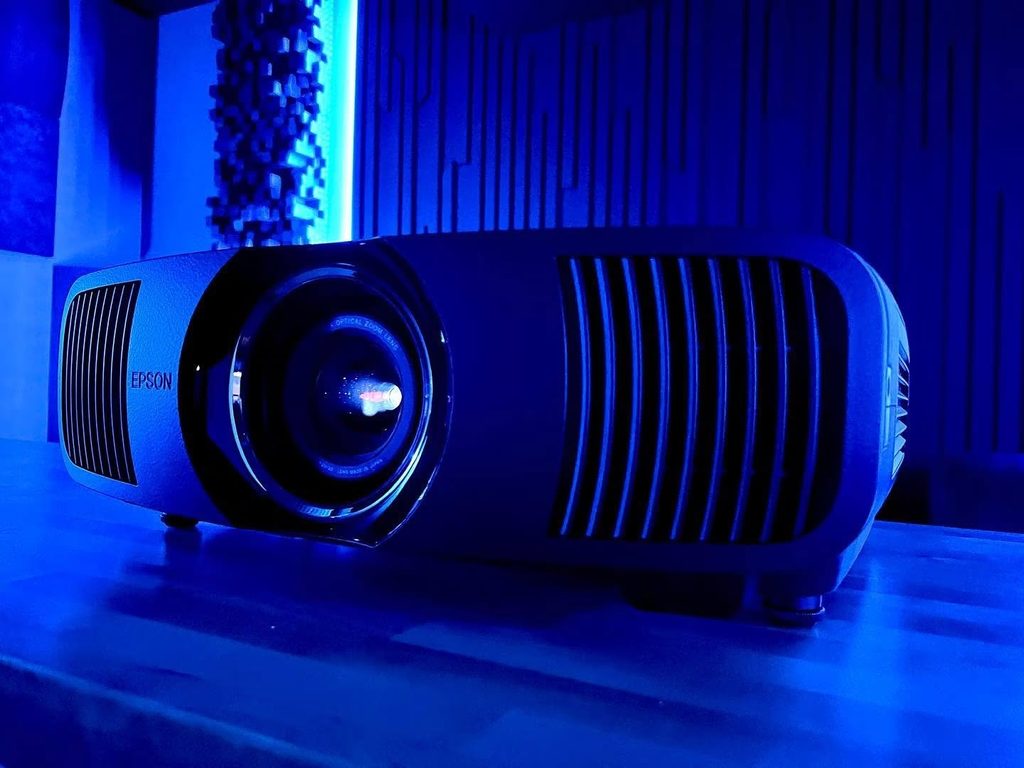
Extra lumens can feel like a safety net, but their real value isn’t always clear until you test them. So where does more brightness actually make a difference? In a few situations it matters a lot. In others, it’s only a bigger number on the box.
- HDR content: Extra brightness can help HDR highlights show with more impact, especially on larger screens. However, the result also depends on the projector’s tone mapping, its calibration, and how much brightness reaches the screen.
- A very large screen or a lower gain screen: Larger screens spread the projector’s light across more surface area. Lower gain screens also reflect less light toward you under their intended viewing conditions. So both setups may need more projector output to hold your target screen brightness. Some ALR screens can also help manage ambient light, but their gain and viewing angles vary by design.
- Any room where the lights stay on: Ambient light competes with the projected image, so you’ll need more output. Our breakdown of high brightness projectors shows how they handle these rooms.
If your setup doesn’t fit any of these, a projector with a lower rating and stronger contrast may serve you better. Also, many modern laser projectors let you dial back their light output. The Epson LS12000, for example, adjusts laser output from 50% to 100% in 5% steps.
Why Contrast Matters More Than Brightness in a Dark Room
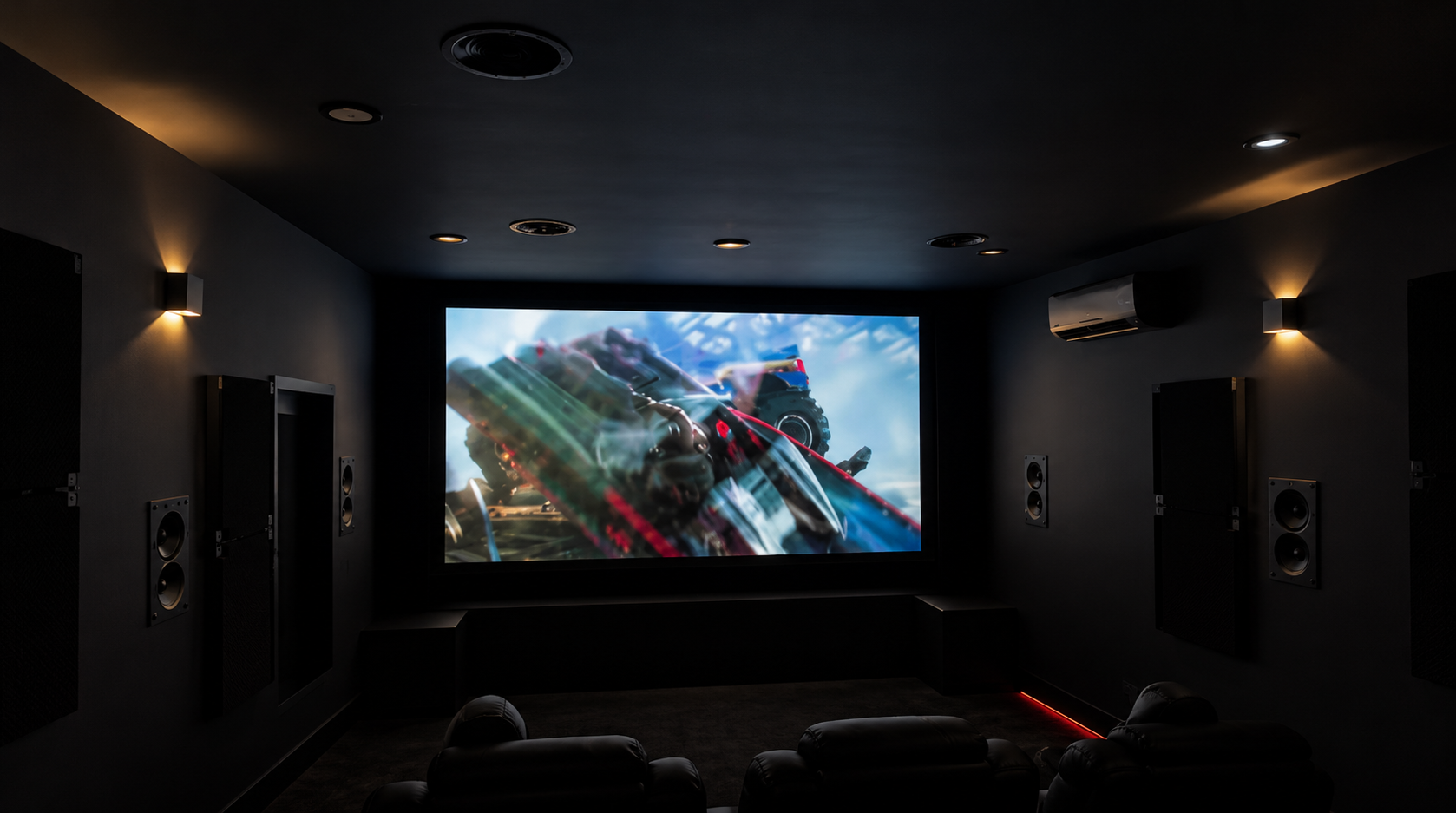
In a dark room, contrast often becomes more important once the projector delivers enough screen brightness. Contrast ratio describes the gap between the brightest white and darkest black a projector can reproduce, under specified test conditions. That gap affects how convincing shadows, dark scenes, and letterbox bars look.
Here’s an example. Say a projector puts out 16 fL of white and measures 2,000:1 contrast under the same conditions. Its black level would sit at 0.008 fL. At 100,000:1, that black level drops to 0.00016 fL, which is 50 times lower.
If a projector’s white output rises while its contrast ratio stays the same, its black level rises by the same proportion. That’s why more brightness alone doesn’t guarantee better contrast or darker blacks.
Native contrast is an important spec to check because it measures contrast without dynamic light source adjustments. Dynamic contrast adds features such as iris or laser dimming, which change light output based on the image. That makes dynamic contrast figures less useful for direct comparisons between projectors.
How Do You Read a Projector Brightness Spec Without Getting Misled?
When you compare projector brightness, look for lumen ratings measured under the ISO/IEC 21118 standard. It gives you the most reliable basis for comparing models. Be wary of terms like “LED lumens,” “lamp brightness,” or unlabeled lumens. These may not follow a recognized standard. That’s why two projectors with the same lumen number can look very different on your screen.
Use this table to help gauge the labels you see.
| Spec label | What it measures | How much weight to give it |
| ISO/IEC 21118 lumens | Projector brightness measured using the standardized methodology | High, especially when test conditions are comparable |
| ANSI lumens | Brightness measured using a standardized multi-point method | High, when the methodology and picture mode are known |
| Color light output | Light output measured using a color brightness methodology | Useful for evaluating color performance, but verify the measurement method |
| “LED lumens,” “lamp brightness,” or unlabeled lumens | May refer to non-standardized brightness claims or different measurement methods | Low unless the methodology is clearly documented |
| Native contrast | Contrast measured without dynamic light source adjustments | Useful for comparison when measurement conditions are comparable |
| Dynamic contrast | Contrast measured using dynamic light source or iris adjustments | Useful for understanding dynamic operation, but less suitable for direct comparisons across manufacturers |
How to Choose the Best Home Theater Projector for Your Room
Start with your room’s light control, settle the screen size next, and choose the projector last. That order keeps the brightness decision tied to a real screen instead of a spec sheet.
| Your room | Put first | Screen direction | Where to start your shortlist |
| Dedicated dark theater | Native contrast, accurate picture modes and adequate screen luminance | Matte white screen, often around 1.0 gain, or an acoustically transparent screen where needed | JVC D-ILA, Sony BRAVIA Projector 9, Epson LS12000 |
| Media room with some light | Balance of contrast, output and light control | Consider an ALR screen suited to the room’s lighting and projector placement | Laser projectors with sufficient measured output for the screen size |
| Bright living room | Light control, output, screen performance and installation flexibility | Consider a compatible ALR screen, including UST-specific screens for UST systems | UST laser projectors or other suitable high-output projection systems |
For a dark room, the LS12000 breakdown recommends a matte white screen with a gain of 1.0 as a reliable, wide-angle option. For family and media rooms, we suggest the Black Diamond Fusion as our preferred screen choice. If your room has side lighting from sconces or windows, the original Black Diamond may be a better fit.
Bright living rooms typically benefit from an ultra-short-throw (UST) projector, and our selection of UST projectors addresses this need. You can find more info on gain, ALR, and acoustically transparent screens in our projector screen guide.
Before you buy, use our Home Theater Design Tool to see your screen, projector, and seating laid out in 3D. For a full setup, Dreamedia+ can help coordinate your design and on-site calibration.
Conclusion
Lumens still matter when you choose a home theater projector, but they shouldn’t be the only factor. The best projector for your room balances brightness, contrast, screen size, image quality, and your viewing environment.
Start by matching brightness to your screen size. Then save any extra brightness for HDR, a bigger screen, or a brighter room.
Also, don’t underestimate contrast. Dark, low reflectance surfaces around the screen can cut down stray reflections. That improves perceived contrast and helps dark scenes look more convincing. Finally, read brightness specs carefully and check which standard each one uses. If you’d like help matching a projector, screen, and room, book a consultation with our team.
FAQ
Is a 4K Projector Worth It for My Home Theater?
Yes, a 4K projector can be an excellent upgrade, especially on a large screen. Still, resolution is only one part of the picture. The overall image depends on many factors, including contrast, brightness, color accuracy, and your room’s environment.
Should I Choose a Projector or a Big TV for My Home Theater?
It depends on how dark you can make the room and how big you want the image. In a bright room, a TV usually holds up better because it produces its own light. Projectors work best in light-controlled, dedicated rooms. If you’re building a dark custom theater and want a very large image, a projector is often the better path.
Can I Just Use a Wall Instead of a Projector Screen?
You can, but a dedicated projector screen generally gives you a more consistent surface and predictable reflective properties. It also gives you better control over how light spreads toward your seats. Depending on the material, a screen can offer a specific gain or help manage ambient light. A painted wall’s color, texture, flatness, and reflectivity can all affect the projected image. So a wall isn’t always an ideal substitute.