









Description
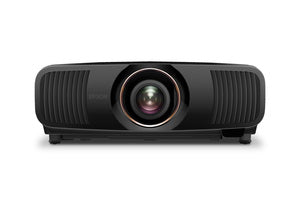
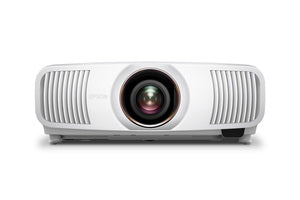
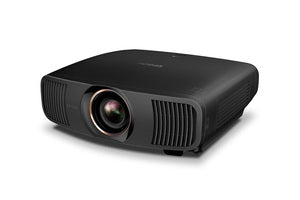
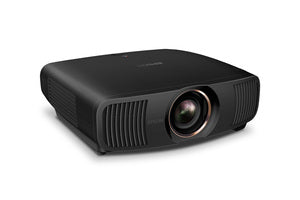
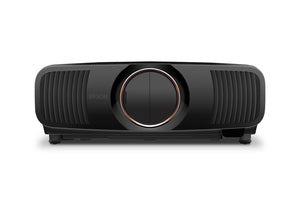
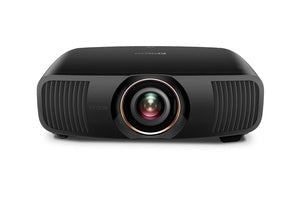
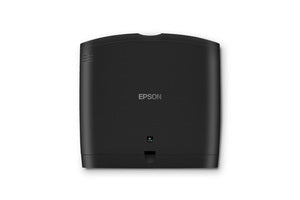
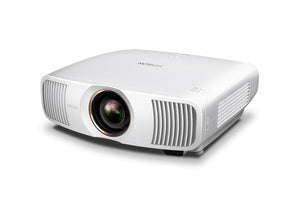
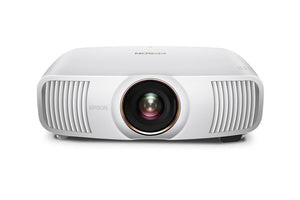
Epson QB1000 4K HDR That Pulls You In
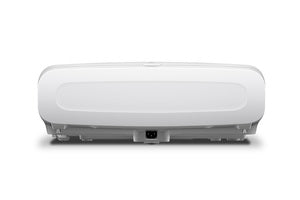
Ever watch something and forget you’re looking at a projector? That’s the feeling the Epson QB1000 aims for. With true 4K HDR resolution, the image doesn’t just look sharp, it feels layered and believable. Fine details stay intact. Shadows have shape. Bright highlights don’t blow out. Instead, everything feels balanced and intentional.
Because it uses Epson’s 3LCD technology, color looks full and natural. Reds are rich without looking neon. Blues feel deep. Skin tones stay realistic. And just as important, there’s no distracting rainbow effect pulling you out of the moment. You simply sit back and watch.
Bright Where It Actually Matters
Not everyone has a fully blacked-out theater. Real rooms have windows, lamps, and a little life happening. That’s where the Epson QB1000’s 3,300 lumens really shine. Even with some ambient light, the picture keeps its punch. Highlights still sparkle. Dark scenes still hold detail.
At the same time, the 20,000-hour laser light source makes ownership easy. No bulb changes. No gradual dimming that sneaks up on you. You power it on, and it delivers consistent brightness every time. That kind of reliability takes the stress out of high-end projection.
Smooth Motion, Simple Setup
Action scenes and live sports reveal flaws quickly. Thankfully, the Epson QB1000 stays composed. Fast motion remains sharp, and the image holds together when things get intense.
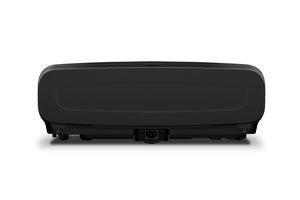
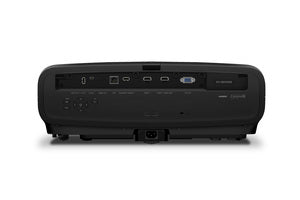
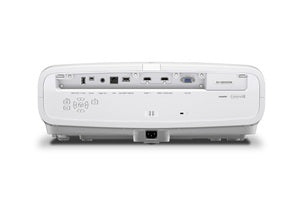
Connectivity also feels straightforward. With HDMI and DisplayPort inputs, it connects easily to streaming boxes, gaming consoles, and media servers. No strange workarounds. No frustration. When we spec systems inside our home theater design tool, that kind of plug-and-play reliability matters.
Inside Dreamedia+, we focus on gear that feels powerful without being complicated. The QB1000 fits that mindset. It is bright yet controlled. Advanced, yet easy to live with day after day.
Key Features
True 4K HDR resolution
3,300 lumens brightness
3LCD technology with accurate color
20,000-hour laser light source
HDMI and DisplayPort connectivity



















Reviews
There are no reviews yet.